
Do you want to make a changes in a video but don’t have high-priced software or a powerful computer? An online video editor is a best solution for you. This software let you edit and create videos in your computer. This will make clear what online video editors are, why they are so effective and how you can use them for your projects. Whether you’re a learner, expert or a digital creator, online editors make video editing easy and understandable for everyone.
What is an Online Video Editor?
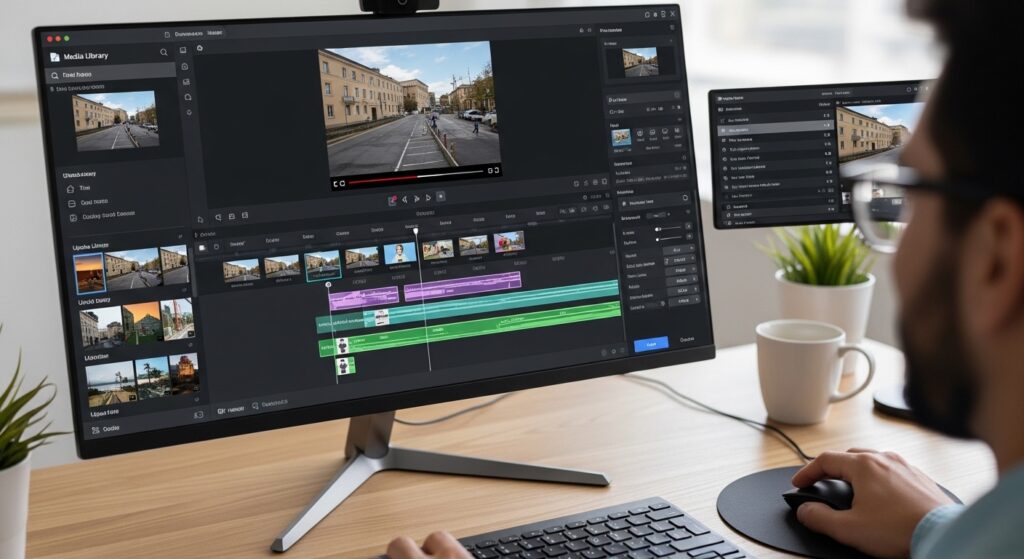
An online video editor is a tool that works perfectly in your internet browser. Think of it as a video editing app that works or runs on the internet.
- No Installation Required: Open your browser go to the web page and start editing. You don’t need to download any application in your computer.
- Cloud-Based Storage: Your video tasks and folders are usually saved in the cloud. This means you can open them from any computer, anywhere.
- Works on Almost Any Device: Online video editor works on any computer like Window Pc, Mac or Chromebook if you have internet connection.
Why Use an Online Video Editor? The Main Benefits
People are switching to online editors for many good reasons. Here are the biggest benefits.
1. Completely Free or Low-Cost Options
Many online video editors have free versions with plenty of features. You can start editing without spending any money. Paid plans are usually much cheaper than buying expensive software.
2. No Powerful Computer Needed
Professional software like Premiere Pro needs a fast computer with lots of memory. Online editors do the heavy work on their own powerful servers. Your computer just needs to run a browser. This is perfect for students, schools, and anyone with an older laptop.
3. Edit from Anywhere
Imagine starting an edit on your office computer and finishing it at home on your laptop. With cloud-based online editors, this is easy. Your projects are saved online and travel with you.
Common Features You Will Find
Online video editors may be easy, but they still have strong features. Here’s what most of them offer:
- Trim and Cut Tools: Easily remove unnecessary parts from the start, mid or end of your scenes.
- Drag-and-Drop Interface: Just grab your video folder and place them on the timeline. No tricky menus.
- Text and Titles: Add titles, subtitles and closing scenes with different font styles and moving effects.
- Music and Sound Effects: Choose music and sounds from a large library to add them in your video.
- Transitions: Add transitions like fades or wipes between your video scenes .
Top Situations Where Online Editors Shine
Online video editors are best for specific types of projects and users.
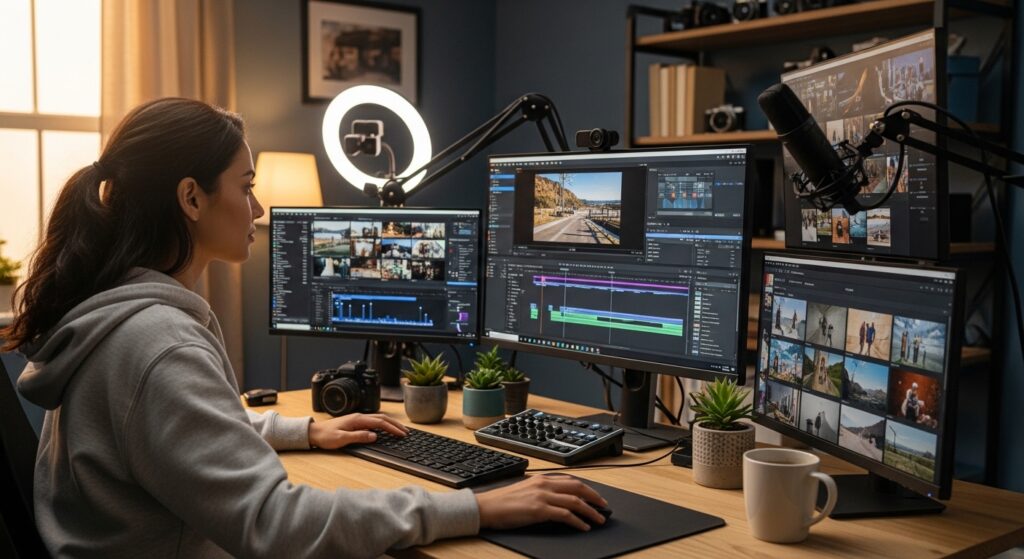
- Social Media Content Creators: Easily make and resize the videos for Tik Tok , Instagram and YouTube.
- Students and Teachers: Create video for school or classroom assignments without requiring high-priced software.
- Small Business Owners: Make ads or social videos easily without hiring highly-paid editor.
- Beginners Learning to Edit: Start video editing with easy tools. Learn the basics step by step and then try advanced software.