
Are you new to start a YouTube channel and concerning how to edit your videos? This is the right place for you. A YouTube video editor is a software that benefits you cut, arrange, and enhance your film before uploading it to the world. This will describe everything about YouTube video editors. You will study about free possibilities made into YouTube, powerful third-party software and how to choose the right tool you need. Whether you’re a learner or a expert creator this article will benefit you make better videos.
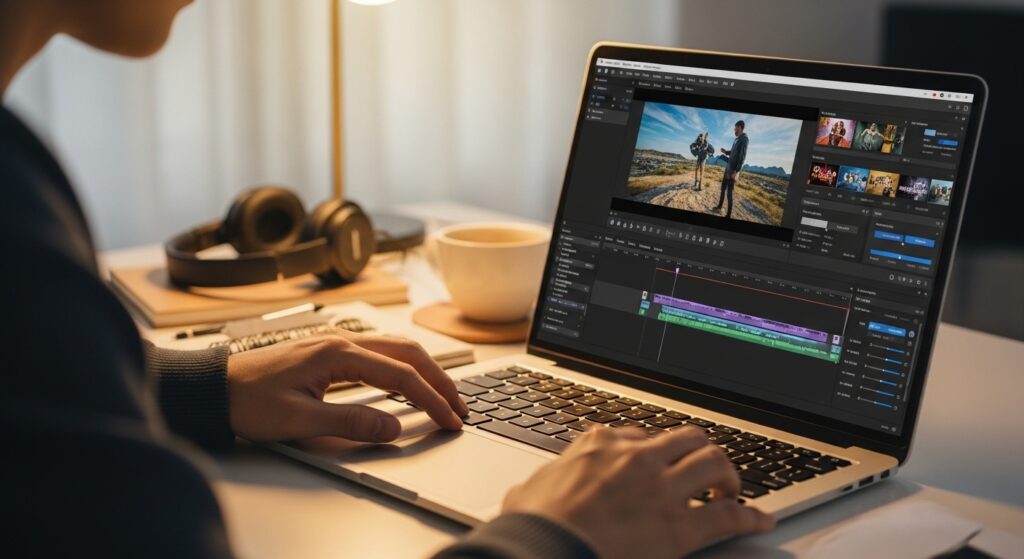
What is a YouTube Video Editor?
A YouTube video editor is a software use to edit videos specifically for YouTube. These tools help out you convert raw scenes into refined content that keeps viewers watching.
- Basic Functions: Trim useless parts, arrange scenes in order, add music and insert script.
- Advanced Features: Some editors add colour, effects and motion to videos.
- Platform Options: You can edit videos anywhere like on YouTube, on your computer or phone.
Good editing makes your content more interesting and professional. It helps you add pictures, songs, and smooth changes that make your videos different from others.
YouTube Studio Editor: The Built-In Free Tool
YouTube has its own free video editor It’s called YouTube Studio Editor. This tool lets you make simple changes to videos you’ve already uploaded.
What You Can Do in YouTube Studio Editor
- Trim: Cut useless parts from the start or end of your video.
- Split: Cut your video into parts and remove part you don’t need.
- Blur Tool: Hide private details like faces, number plates or addresses.
- Add Audio: Use YouTube’s free music library to add background music.
- End Screens: Add links in your video that promote other videos or subscription.
- Cards: Put links to videos or playlists during your video.
Limits of YouTube Studio Editor
YouTube Studio is best for quick fixes, it has restrictions. You cannot insert latest transitions, animated text, or colour. For more advanced editing you need third-party editing tool.
Best Free YouTube Video Editors
You don’t need money to get start. Here are outstanding free options.
DaVinci Resolve
This editor is used by professional in Hollywood. It suggests supreme colour and effects. The free version is unbelievably generous and packed with features. It’s not easy to learn but it is useful in the end.
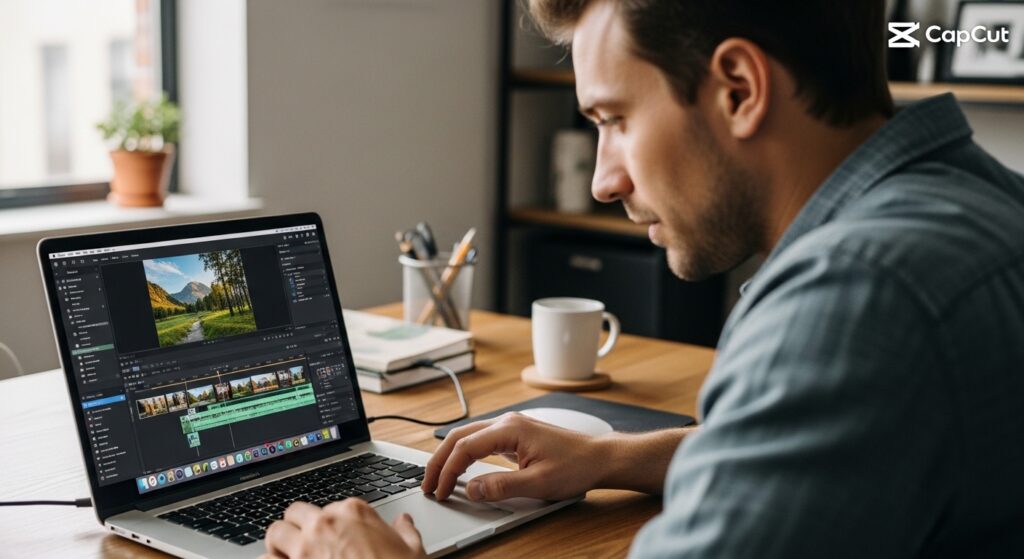
CapCut
Available on mobile and computer. CapCut is created for social media content. It has ready-made templates and AI features for fast editing. Also Perfect for YouTube Shorts and quick projects.
Clipchamp
Microsoft’s browser based editor lets you edit online. It suggests easy editing features and templates. It exports in high quality 1080p HD without watermarks for free.
iMovie
For Apple users iMovie is the simplest way to make professional looking videos. It works easily on iPhone, iPad and Mac.
Shotcut
It’s a free an open-source editor with no watermarks. It works on Windows, Mac and Linux and can open many file formats.
Awais Production: Professional YouTube Video Editing
Editing YouTube videos needs time, skill and creativity. At Awais Production, our team of skilled editors knows exactly what makes YouTube videos successful. We handle technical work so you can focus on making content. From trimming and colouring to add motion pictures and effects we provide elegant, professional videos that keep people watching. Whether it’s one video or ongoing edits for your channel we are your trusted partner. Let us help your YouTube channel grow with top quality edits.